AES-256, in this browser
Files are sealed with AES-256-GCM before they are stored. The vault key stays in memory only while you are unlocked.
FULLFORCE LTD · Local AES-256 · No account
locallock.app seals files in this browser, the way a vault holds paper: closed until you open it. Nothing is uploaded unless you send a copy that is already sealed.
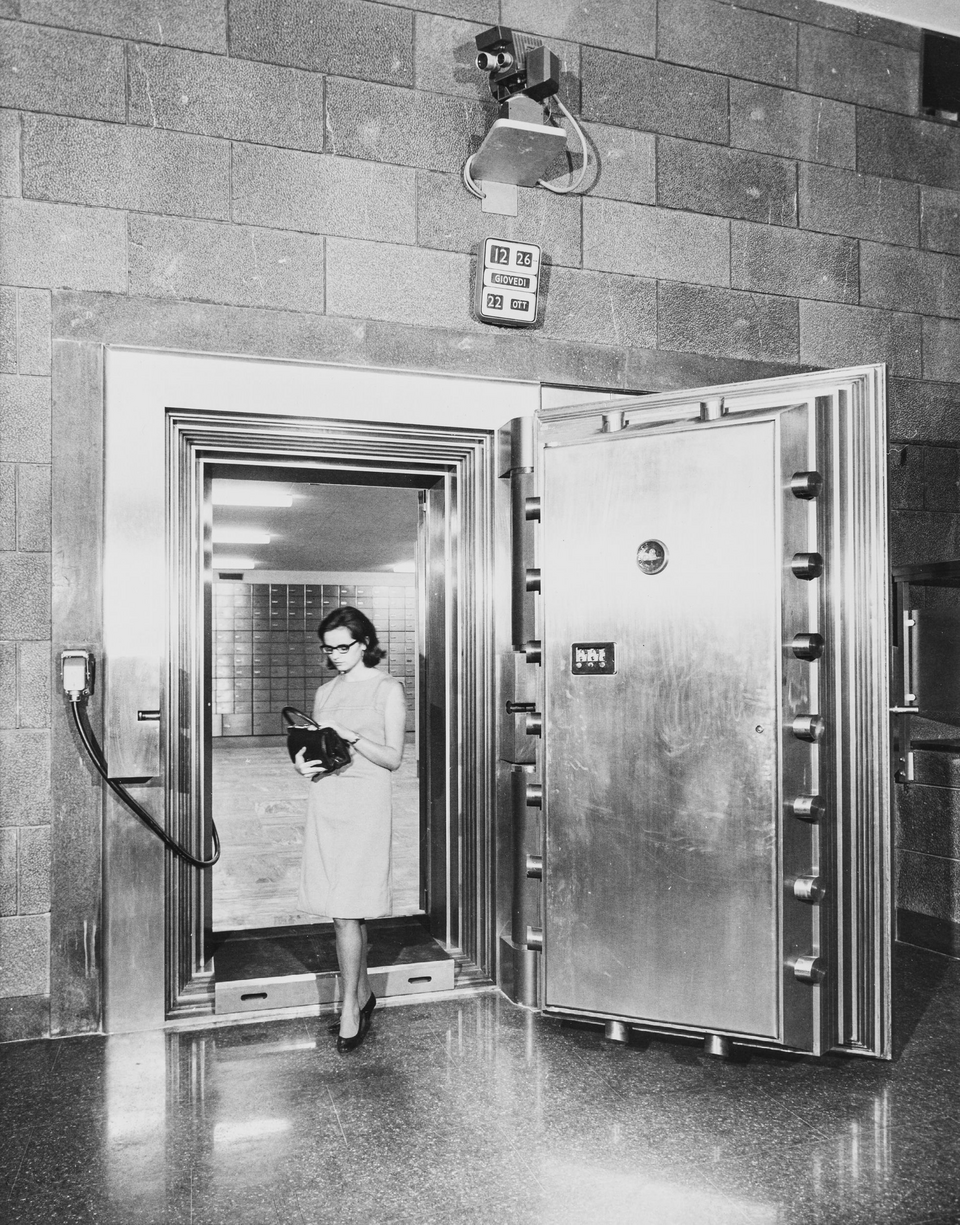
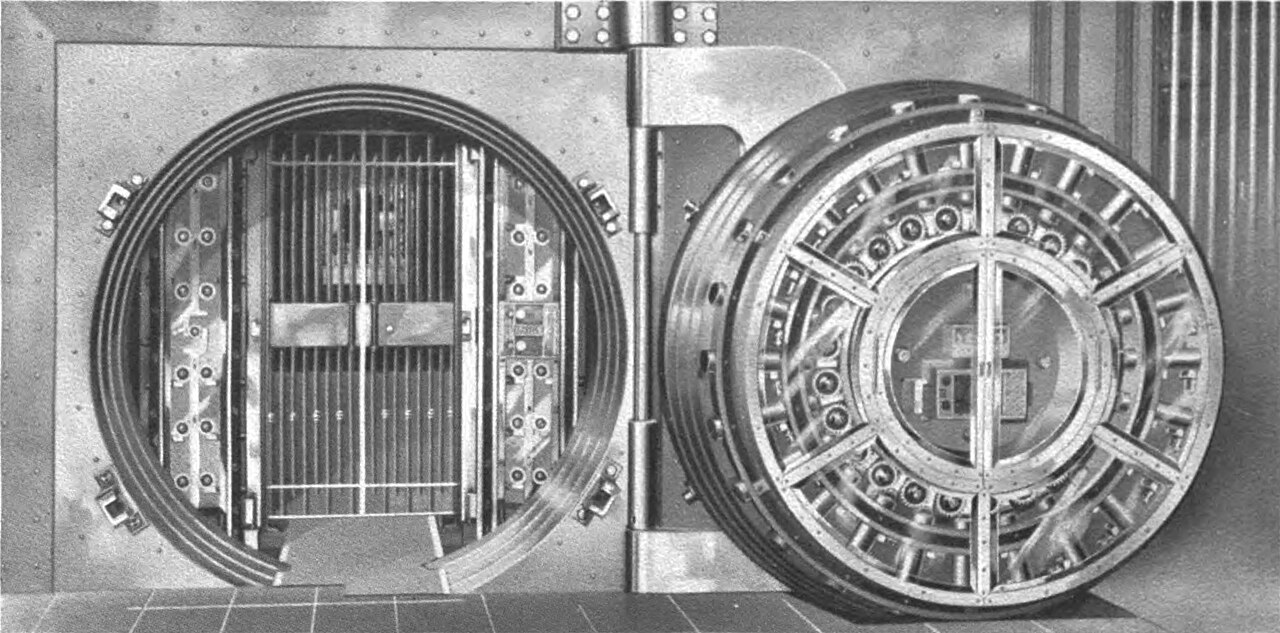
Cleveland Trust Company, 1908
The door was steel. The record stayed inside.
Public-domain photograph of the safe deposit vault. locallock.app keeps that rule: the sealed file does not leave this device.
1
PDF, photos, text, Office documents — the type does not matter.
2
Your password wraps a random vault key. The file name is encrypted too.
3
Or take a .llock file with you. The unlocked original stays put.
Zip encryption is easy to misuse and eager to unpack. locallock.app keeps documents sealed and shows them only after the vault is open.
Files are sealed with AES-256-GCM before they are stored. The vault key stays in memory only while you are unlocked.
Open PDFs, images, text, audio, and video inside locallock.app. An unlocked copy is written only when you explicitly save one.
Use a password, an optional PIN, and — where the browser allows — Windows Hello, Touch ID, or a device PIN.
Drop a handful of files or a whole folder. Folder names stay inside the encryption.
locallock.app locks as soon as you leave the tab, and again after an idle timer. The key is dropped from memory.
Optional backup sends a .llock file you already encrypted. Plain documents are never uploaded.
Inside the vault
Your files never leave this browser unless you choose to send a sealed copy.
The vault always opens. Pro is included for 14 days, then $29 once if you want the rest.
Free
$0
stays after the trial
Pro · 14-day trial, then lifetime
$29
once, on this device
Not by default. Sealed documents live in this browser’s private storage. locallock.app only makes a network request if you turn on encrypted backup or start a Pro checkout.
The emergency code created with the vault can open it and let you set a new password. locallock.app cannot reset a vault. There is no copy of your password anywhere else.
No. A short PIN is convenient and easier to guess if someone copies the vault storage. Use a long password as the real key, and treat the PIN as a shortcut on a device you control.
Yes. Download a .llock copy and open it in locallock.app with the export password. The filename sits inside the ciphertext, not in the clear.
Free stays open: 8 documents, 20 MB each. Pro is included for 14 days, then $29 once. Pro adds unlimited files, folders, batch sealing, and backup. It does not renew. FULLFORCE LTD cannot open the vault.
locallock.app is a local web vault, not a WinUI installer. On Windows, Edge and Chrome can use Windows Hello as the device authenticator. If that API is missing, the password still opens the vault.
On this device
No installer. No account. Create a password, save the emergency code, and seal the first document. Free stays. Pro is included for 14 days, then $29 once.
Create a vault